Monthly Archives: August 2019

IDM (V6.35 B3) လေးပါ

အထွေအထူးပြောမနေတော့ပါဘူး IDM (V6.35 B3) လေးပါ

  • No crack or patch required
  • Registration-Free
  • Unlocked the main program ‘IDMan.exe’
  • No Internet connections shielding required
  • No warning pop-ups like “…registered with a fake Serial number…”
  • No not relapse
  • Removed automatic update detecting on a regular basis
  • Not random popup prompt about IDM update
  • Perfectly adjusted download box display for Windows 8.1/10
  • Removed daily reminder popup window
  • Disable the default startup on Windows starts
  • Removed useless menu items (Help, Registration), buttons and files (mainly help files)

Install လုပ်နည်း

  1. Download and install IDM (you’d better use the default setup path)
  2. Make sure to exit IDM completely (via Task Manager)
  3. Copy the unlocked files ‘IDMan.exe‘ and ‘IDMGrHlp.exe‘ to installation folder (like: C:\Program Files (x86)\Internet Download Manager\) and overwrite
  4. Double click the reg key file (Internet Download Manager.reg) to import license info (if you always use AppNee’s unlocked files, then this step is required only once)
  5. Restart computer (may be not required)
  6. Done

Download

CCleaner For Mac လေးပါ

CCleaner ဆိုတာနဲ့ဘာလဲဆိုတာထူးပြီးပြောနေစရာတော့လိုမယ်မထင်ပါဘူးဗျ

သူ့မှာပါတဲ့ Feature တွေကတော့ အောက်ကအတိုင်းပါပဲ

  • Faster Computer: Control which apps use your computer’s resources
  • Privacy Protection: Removes tracking files and browsing data
  • Automatically Clears History: Cleans your browser when you close it
  • Guards Against Junk Files: Monitors junk in real-time
  • Always Up-to-date: CCleaner keeps up with your browsers and operating system

macOS 10.6+ (64-bit only) နဲ့အထက်မှာတင်သုံးနိုင်ပါတယ်

Download

ယူနီကုဒ်ဆိုတာကြီးစသုံးပြီး ဟိုဟာအဆင်မပြေ ဒီဟာအဆင်မပြေဖြစ်နေကြသူတွေအတွက်

For Android

sms တွေဖတ်မရမှာစိုးတဲ့သူတွေအတွက်
Connect MUX app >>> http://bit.ly/2zsUtdm

Contacts တွေ သီချင်နာမည်တွေကို ယူနီကုဒ်ပြောင်းချင်တဲ့သူတွေအတွက်
mmUniToolKit app >>> http://bit.ly/2ZvWIak

စာတွေ ၂ မျိုးတင်ချင်သူတွေအတွက်
pk Converter >>> http://bit.ly/2U80TbB
Rabbit Converter >>> http://bit.ly/2Zmfar0

စာရေးဖို့ကီးဘုတ်တွေထဲကမှတချို့ (ကျန်တာတွေလဲရှိပါသေးတယ် အသုံးများတာပဲပြပေးထားတာပါ)
gboard >>> http://bit.ly/2zpiAKf
K Keyboard >>> http://bit.ly/2PicLsz
ttKeyboard >>> http://bit.ly/2Pj4Uey
bagan Keyboard >>> http://bit.ly/2ZsyzWp
MUA Keyboard >>> http://bit.ly/2Zp3WBW
frozen Keyboard >>> http://bit.ly/2KZMgUD
Manic Keyboard (play store ကမဟုတ်) >>> http://bit.ly/2KYu8dP


Google Keyboard တွင်မြန်မာစကားပြောဖြင့် စာရိုက်ရအောင် ပြင်ရမည့်အချက်များ
၁။ google ကို updateမြှင့်ပါ
၂။ Gboard softwareထည့်ပါ
၃။ googleကိုဖွင့်ပြီး settingကို နှိပ်ပါ။
၄။ Search Languageကို နှိပ်ပြီး Burmeseကို ရှာနှိပ်ပြီး back key တစ်ချက်နှိပ်ထွက်ပါ။
၅။ Voiceကို နှိပ်ပြီး အောက်ဆုံးမှာ မြန်မာ ဘာသာကို နှိပ်ပါ။ saveနှိပ်ထွက်ပါ။
၆။ Languages and inputeထဲဝင်ပြီး default keyboardကို နှိပ်ကာ Gboardကို နှိပ်ပါ။
၇။ အောက်နားက Gboardကို နှိ ပ်ပြီး Languageကို နှိပ်ပါ။
ပြီးရင် Add Keyboardကိုနှိပ် Burmeseကို နှိပ်ပြီး Doneနှိပ်ပါ။
စာစတင်ရိုက်ဖို့ keyboardပေါ်တဲ့အချိန် မြန်မာ keyဘက်ကို ကမ္ဘာလုံးနှိပ်ကာ ပြောင်းပြီး voice သင်္ကေတကို နှိပ်ကာ မြန်မာလို စကား စပြောပြီး စမ်းနိုင်ပါပြီ။
(မှတ်ချက်-ယူနီကုတ်ဖောင့်ဖြင့်သာ ပေါ်ပေးပါသည်။ စက်ရုပ်ဖြစ်၍ programသွင်းတုန်းက အသံအတိုင်း အသံမှီမှ အမှန် စာများထွက်ပေးပါသည်။ လိုအပ်ချက်များ ရှိနေသေးသည်ဟု ထင်ပါသည်😊😁)

Gboard app Link >>> http://bit.ly/2zpiAKf
Google app link >>> http://bit.ly/2KZnrIq


For iOS

Setting >> General >> Profile အောက်က Zawgyi profile ကိုဖျက်လိုက်ပါ ပြီးရင် ttKeyboard မှာ MyanSan or ZawCode(Unicode) ကို add လိုက်ရင်ရပါပြီ

PYAUNG by Hein thet Khin zaw >>> https://apple.co/2L2XXdh

Rabbit Converter by COMQUAS Co., Ltd >>> https://apple.co/2Hts8rJ

DRIVER BOOSTER (v7) တဲ့

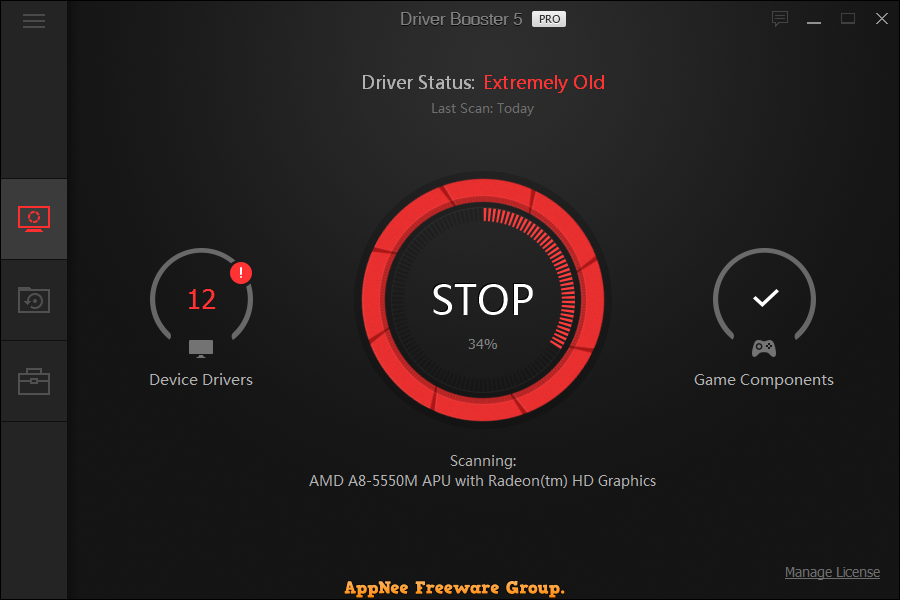
DRIVER BOOSTER (7) လေးပါ သုံးဖူးတဲ့သူတွေကတော့ သူနဲ့ဘာလို့လို့ရလဲဆိုတာ ပြောစရာ မလိုလောက်တော့ပါဘူး မသိသေးတဲ့သူတွေ သိအောင်အလွယ်ပြောရမယ်ဆိုရင်တော့ ကွန်ပျူတာက driver တွေ update လုပ်လို့ရတယ် ဘယ်ဟာကအဆင်မပြေဖြစ်နေလဲစစ်ပေးနိုင်တယ် (driver update မဖြစ်ရင် စက်လေးတာတွေ ဂိမ်းဆော့ရင်ထစ်တာတွေဖြစ်တတ်ပါတယ်) 

ဒီကောင်လေးမှာလုပ်နိုင်တာတွေကတော့ အောက်မှာရေးထားတဲ့အတိုင်းပါပဲ …

  • Automatically Scan & Identify Outdated, Missing & Faulty Drivers
  • Download and Update Outdated Drivers with One Click
  • Smaller Driver Package with New Driver Compression Algorithm
  • Safer Updating with Qualified WHQL Drivers ONLY
  • Unlock Driver Update Speed Limit
  • Larger Database to Update More Outdated & Rare Drivers
  • Reduce System Freezes & Crashes for Better Performance
  • Improved Auto Download to Accelerate Download
  • Automatically Backup All Drivers for Safe Restore
  • Auto Driver Download & Installation during System Idle Time
  • Priority to Update Game Components for Better Gaming
  • Automatically Update to the Latest Version


ACTIVEPRESENTER – ALL-IN-ONE SCREEN RECORDER တဲ့လုပ်လို့ရတာတွေတော့အမျာကြီးပဲ

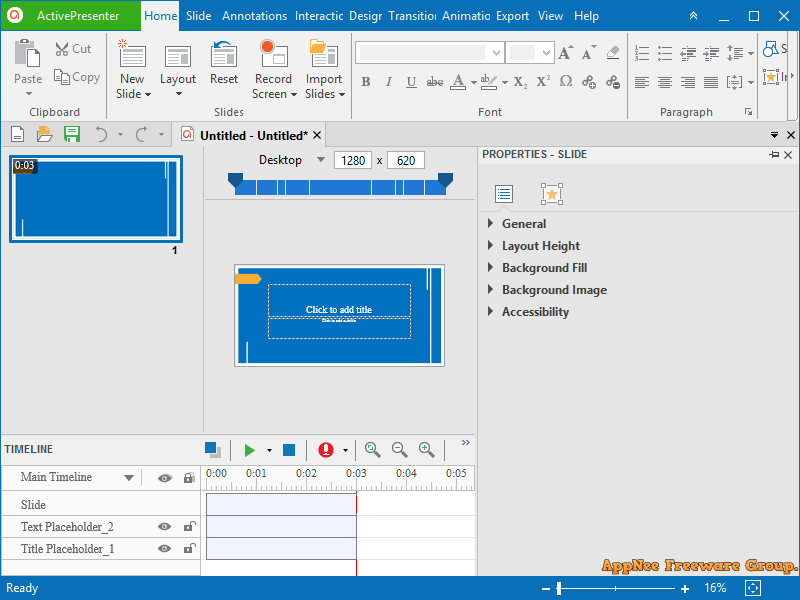
ACTIVEPRESENTER – ALL-IN-ONE SCREEN RECORDER, VIDEO EDITOR AND ELEARNING AUTHOR တဲ့ ဒီနေ့ဟိုရှာဒီရှာနဲ့ တွေ့လာတာ စမ်းကြည့်တာတော့မဆိုးဘူးရယ် video tutorial လုပ်တဲ့သူတွေအတွက်အတော်အသုံးဝင်တယ်

ဒီကောင်နဲ့လုပ်လို့ရတာတွေကတော့ အောက်ကဟာတွေပဲ ……………

  • Screen Recording: Full Motion Recording, Smart Capture
  • Webcam Recording
  • Video Editing: Cut, Crop, Join, Change Volume, Speed Up, Slow Down
  • Multiple Audio/Video Layers
  • Annotations: Shapes, Image, Zoom-n-Pan, Closed Caption, Cursor Path, Audio/Video Overlays
  • Animations & Transitions
  • Themes & Templates
  • Export to Images (PNG, JPEG)
  • Export to: MP4, AVI, WMV, WebM, MKV
  • Advanced Audio Effects: Fade In, Fade Out, Noise Reduction
  • Advanced Video Effects: Blur, Green Screen
  • Export to HTML SlideShow
  • Export to PDF Document
  • Export to Microsoft Word
  • Export to Microsoft Excel
  • Export to Microsoft PowerPoint
  • Import from PowerPoint
  • Interactions: Button, Mouse Click, Text Input, Drag & Drop, Keystroke, CheckBox, Radio
  • Quiz: 9 Types of Questions
  • Responsive Design
  • Multipe Timelines
  • Table of Contents
  • Multiple Object States
  • Web Fonts
  • Variables
  • Advanced Interactions & Conditional Actions
  • JavaScript API
  • Export to HTML5 Simulation
  • Export to SCORM 1.2, SCORM 2004, xAPI (Tin Can API)