ACTIVEPRESENTER – ALL-IN-ONE SCREEN RECORDER, VIDEO EDITOR AND ELEARNING AUTHOR တဲ့ ဒီနေ့ဟိုရှာဒီရှာနဲ့ တွေ့လာတာ စမ်းကြည့်တာတော့မဆိုးဘူးရယ် video tutorial လုပ်တဲ့သူတွေအတွက်အတော်အသုံးဝင်တယ်
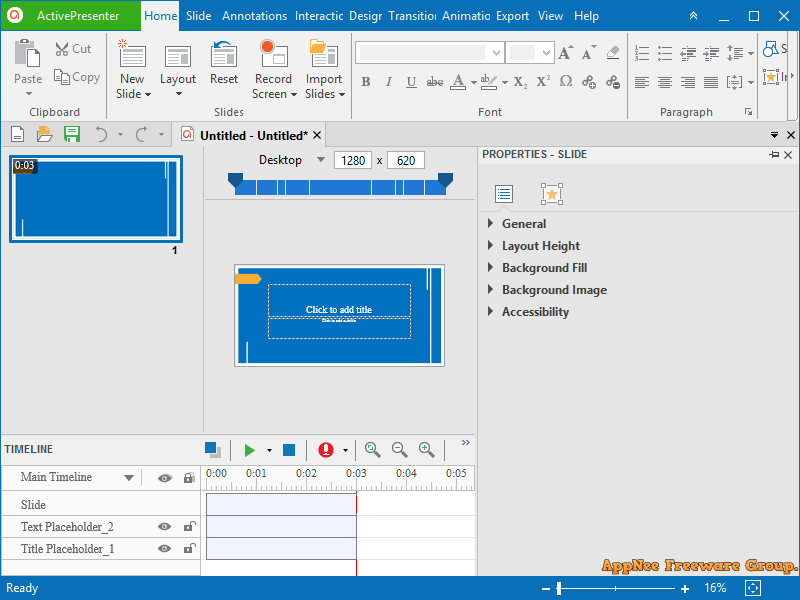
ဒီကောင်နဲ့လုပ်လို့ရတာတွေကတော့ အောက်ကဟာတွေပဲ ……………
- Screen Recording: Full Motion Recording, Smart Capture
- Webcam Recording
- Video Editing: Cut, Crop, Join, Change Volume, Speed Up, Slow Down
- Multiple Audio/Video Layers
- Annotations: Shapes, Image, Zoom-n-Pan, Closed Caption, Cursor Path, Audio/Video Overlays
- Animations & Transitions
- Themes & Templates
- Export to Images (PNG, JPEG)
- Export to: MP4, AVI, WMV, WebM, MKV
- Advanced Audio Effects: Fade In, Fade Out, Noise Reduction
- Advanced Video Effects: Blur, Green Screen
- Export to HTML SlideShow
- Export to PDF Document
- Export to Microsoft Word
- Export to Microsoft Excel
- Export to Microsoft PowerPoint
- Import from PowerPoint
- Interactions: Button, Mouse Click, Text Input, Drag & Drop, Keystroke, CheckBox, Radio
- Quiz: 9 Types of Questions
- Responsive Design
- Multipe Timelines
- Table of Contents
- Multiple Object States
- Web Fonts
- Variables
- Advanced Interactions & Conditional Actions
- JavaScript API
- Export to HTML5 Simulation
- Export to SCORM 1.2, SCORM 2004, xAPI (Tin Can API)


 techmmx